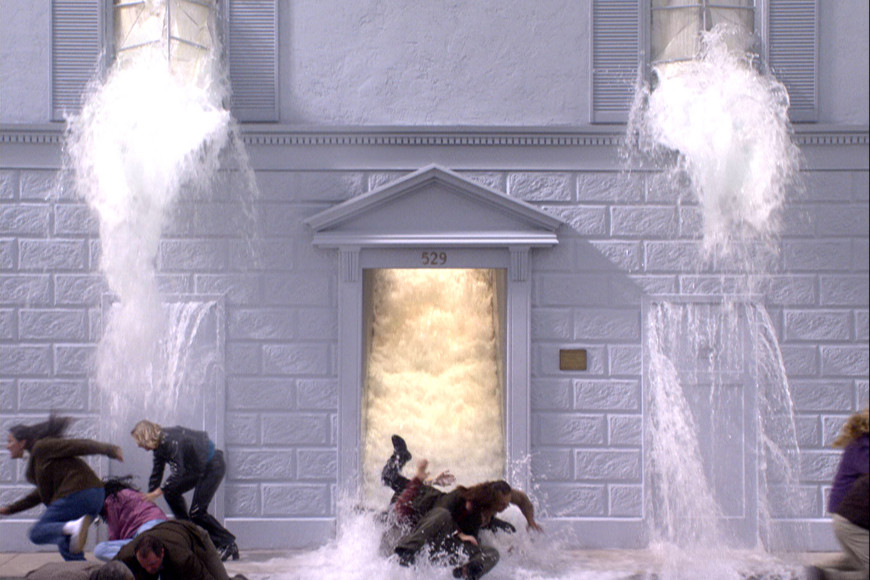
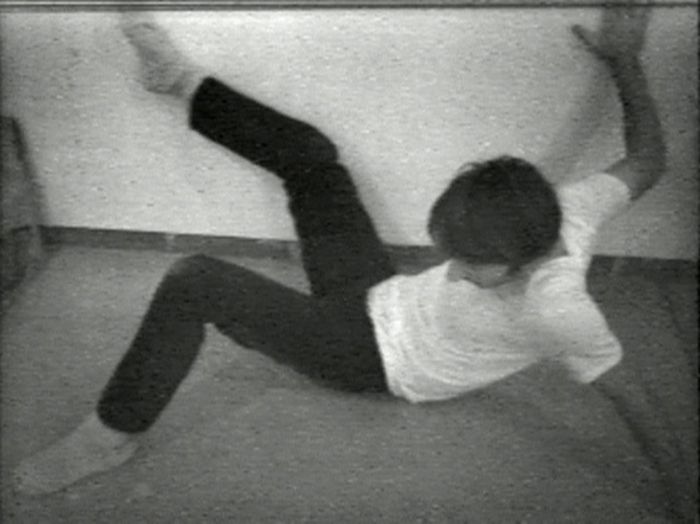
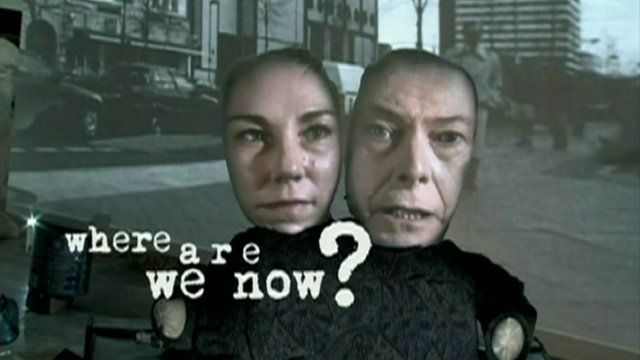
I first started by research time based media and some different examples of it. I did this to get an idea of the different forms of time based media and to get a general idea of what it is. I then started to research some artists that create time based media. I looked at different people but the ones that stood out to me were: Bill Viola, Bruce Nauman, Tony Oursler and Refik Anadol. I research some of their most famous pieces and when they started to create time based media. I documented all of this in my blog. A lot of the time based media I looked at involved the use of people and their bodies. I like the way in which Bill Viola used this but I felt as if Bruce and Tony’s work sometimes became repetitive as they liked to keep the same style through a lot of their pieces. This is why I also looked at Refik Anadol, who uses projection art as the main style for his time based work. To finish my research I looked at some animated gifs created by Nike and Adidas. I wanted to create my gif using the branding I had created for unit 6. I liked the style which Nike use for their animated gif adverts because they prefer to keep the design simple and focus more on catching the eye of the target audience. I wanted to do something similar for my animated gif.
The first problem I encountered was during the light painting. I struggled with some painting some of the outlines around people and the shoe. I also struggled to paint the word LOTTO inside of the designated space. I asked my peers to help me try and get a useable light painting for my shoe. Another problem I encountered was when creating my animated gif. I wanted to create the animated gif in After Effects because it allows you to do much more compared to Photoshop. I hadn’t used After Effects much in the past and my knowledge was very limited. To assists myself I watched youtube tutorials and found out about third party programs such as Ease and Wizz. This allows you to add preset effects to your animations and this helped me a lot for this piece. My animation was quite basic so I just needed to know how to have things move, rotate and enlarge.
To plan for my animated gif I created a simple story board to give myself a starting point. I also discussed with my tutor about what we can do in the next session. For the production methods everything was done digitally. This involved updating my blog, photograph, light painting, After Effects and Photoshop. As discussed before, I had some problems when light painting and getting the desired effects. I had to raise the shoe using a small object to balance it on and different methods of moving the light.
Firstly, I used all of the branding which I had created for unit 6. I also used skills I had learned previously in Photoshop to cutout my light painting designs and also used the photography skills I had learnt previously. In Photoshop I created my first simple gif using my light painting and t-shirt. I learnt how to use the timeline tool previously at work. I then experimented with After Effects which I hadn’t used much in the past. For this I did a lot of video research to get the basics for After Effects and also some more advanced aspects to improve my animated gif. I wanted my final gif advert to be more detailed and professional compared to a gif created in Photoshop.
On my blog I have reflected on all of the aspects for this unit and what I would have done differently if given the chance. I have provided evidence for the creation of my pieces and the different methods I used to create certain pieces. I feel like I could have maybe done a few different styles for my final gif advert and maybe tried some different colours and effects. Other than this I am happy with how my pieces have come out and I feel like I have worked well based off of the knowledge I had and the thing I had to learn to complete these unit.









 George Eccles